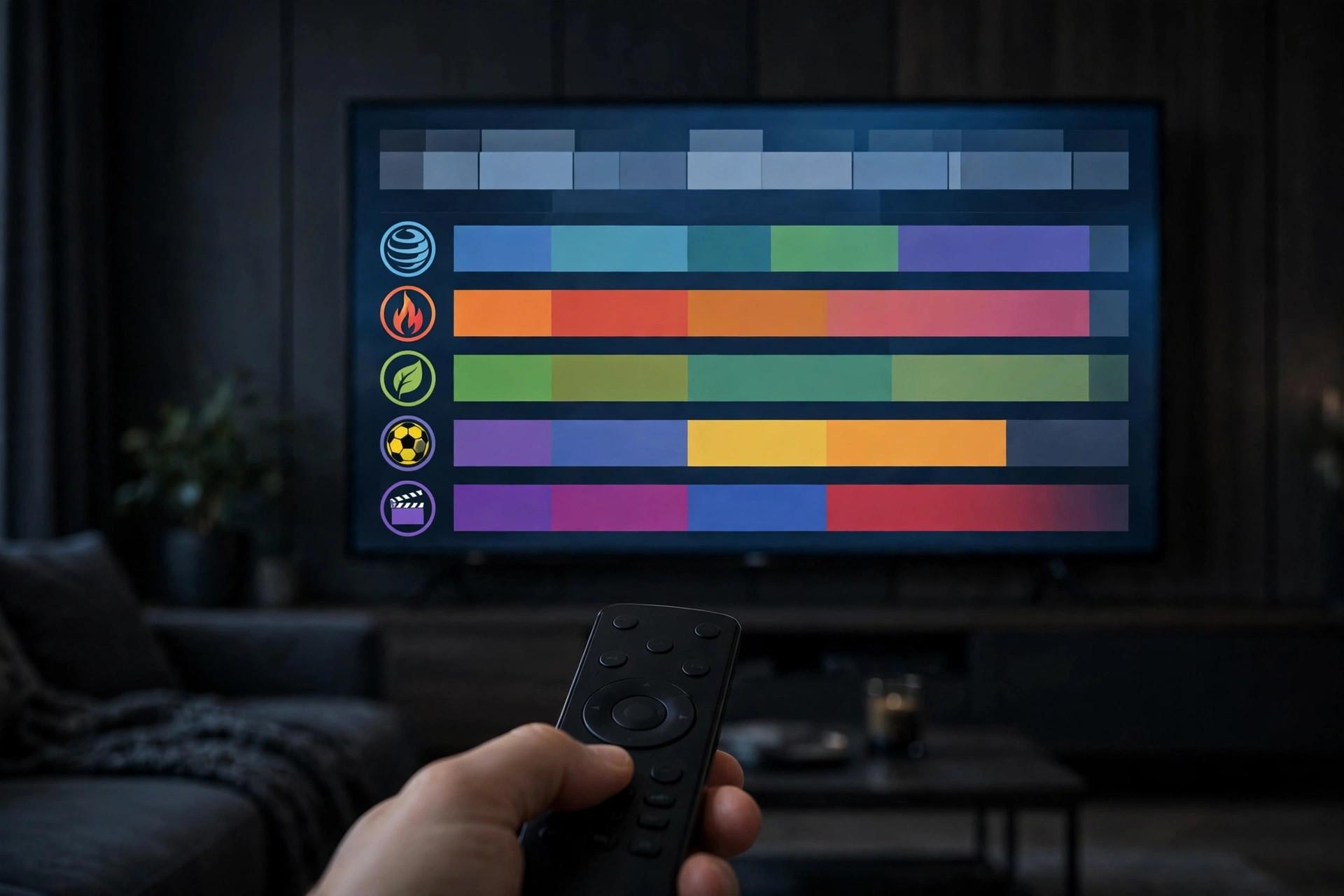
TiviMate is the player most Australian IPTV users settle on, and the reason is simple: it looks like television. The EPG is a proper grid with the channels down the side and the time across the top, the favourites are one click away, and the channel changes fast. It is not the only player — IPTV Smarters Pro and IBO Pro Player both work — but on Android TV, Google TV and the Nvidia Shield it is the one people keep. This guide covers the install, the login, the EPG and the settings that matter, and the mistakes that waste an evening.
First, the device question. TiviMate runs on Android TV, Google TV, the Nvidia Shield, and on a Firestick through sideloading. It does not run on Samsung Tizen or LG webOS televisions — those need IBO Player instead, and the Samsung and LG smart TV guide covers that. It does not run on Apple TV or Roku either. If your TV is a Samsung or LG, skip this guide and read that one. If it is an Android TV, a Shield or a Firestick, you are in the right place.
TiviMate Australia Setup: Install in Four Steps
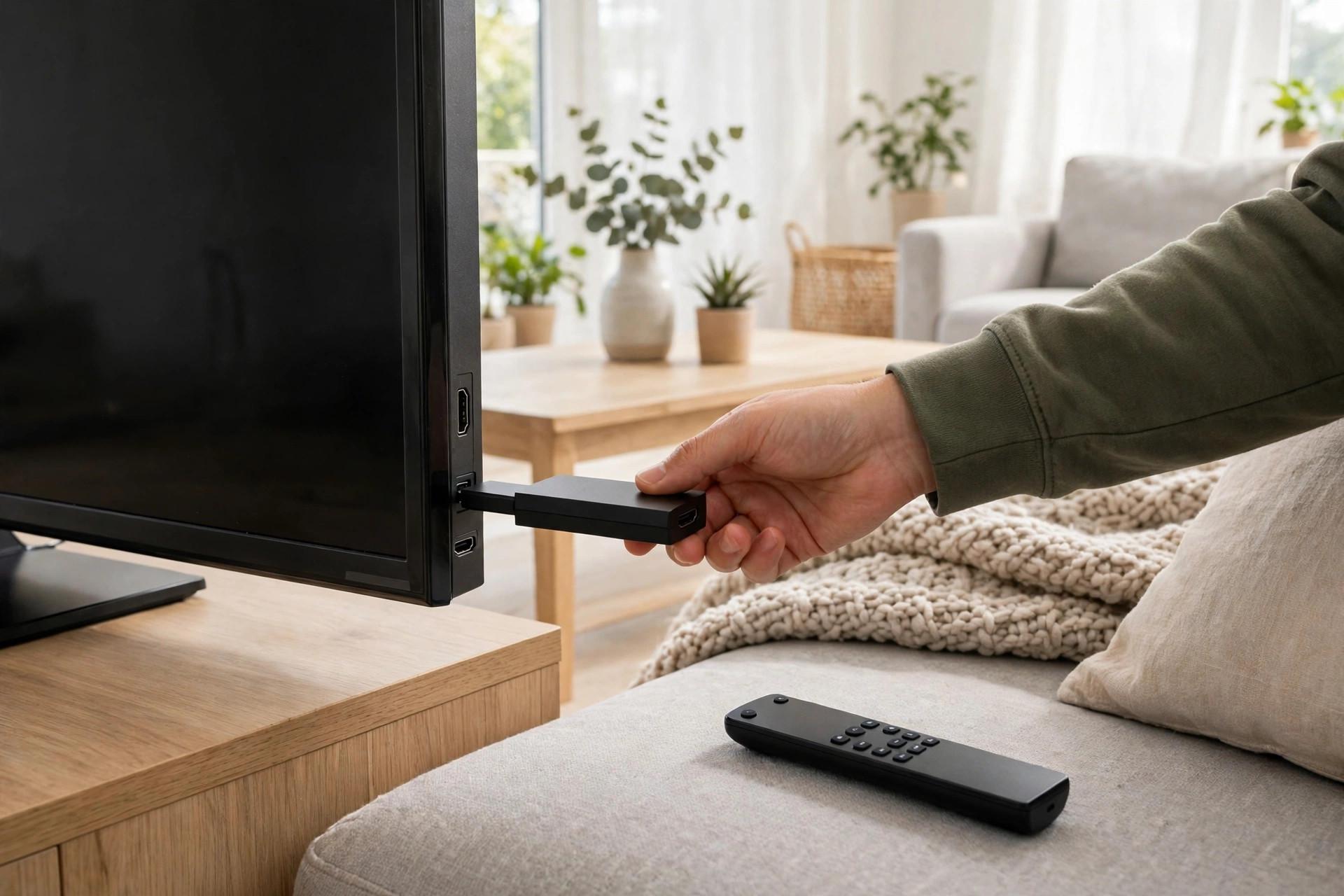
On Android TV or Google TV, open Google Play, search for TiviMate, and install it. The free version lets you add one playlist; the Premium version costs a few dollars a year through the TiviMate Companion app and adds multiple playlists, favourites, catch-up and recording, and it is worth the money. On a Firestick, TiviMate is not in the Amazon Appstore, so you install the Downloader app, then sideload the TiviMate APK — the Firestick setup guide covers the Downloader steps, and the same via Downloader (ask on WhatsApp for the current code) route that installs IBO Pro Player works for the Downloader install itself.
- Step 1: install TiviMate from Google Play (Android TV, Shield) or sideload it on Firestick.
- Step 2: open TiviMate, choose Add Playlist, then Xtream Codes login.
- Step 3: enter the username, password and server URL from your 4K Media Australia WhatsApp message.
- Step 4: wait for the playlist and the EPG to load — five to ten minutes the first time.
TiviMate Australia Setup: The Xtream Codes Login
The login is where most people get stuck, and it is always the same three things. The username and password are the ones 4K Media Australia sends on WhatsApp after you start the trial or subscribe — they are not your email address and not your WhatsApp number. The server URL is the full address, including the http:// or https:// at the start and the port number at the end, copied exactly as sent. If the login fails, check the URL first: one missing character in the port breaks the whole thing. Copy and paste from the WhatsApp message instead of typing it, and if the keyboard on the TV is painful, use the TiviMate Companion app on your phone to type the details and send them to the TV.
When the login works, TiviMate asks whether to use the Xtream Codes EPG. Say yes. The first load takes a few minutes because the guide data for 57,000 channels is large, and the app will look frozen while it works. Leave it alone. Once it finishes, the guide is there, and the channels are grouped: Australia, Sport, Movies, News, International, and the rest. If the EPG is blank on a channel, it is usually a channel that does not publish guide data, not a fault — the big Australian channels and the Fox channels all have it.
Settings That Make TiviMate Feel Right
Three settings change the experience. First, set the EPG update to run overnight, so the guide is fresh in the morning and never updates while you are watching the footy. Second, turn on the favourites: long-press a channel and add it, then the favourites list becomes the home screen. Put Fox Footy, Fox League, Fox Cricket, Channel 7, Channel 9 and Optus Sport there and you will rarely open the full list. Third, set the buffer size to Large in the player settings if you are on Wi-Fi — it smooths out the small dips that cause a freeze in the last quarter. The buffering fix guide has the rest of the checklist.
TiviMate Premium: Is It Worth It?
The free version is enough to test the service, but Premium is the version most people end up on. It costs a few dollars a year, paid through the Companion app, and it adds multiple playlists, catch-up on the channels that support it, recording to a USB drive on the Shield, and the multi-view that lets you watch four games at once. Multi-view is the feature that sells it on a Saturday night: the AFL on one screen, the NRL on another, the Premier League on a third. Buy it after the trial, not before — the free version shows you whether the service is right, and Premium is a player upgrade, not a service upgrade.
The mistake that wastes the most time with TiviMate is adding the playlist twice. If the login fails the first time, people add a second playlist with the same details, and then the app shows two copies of every channel and the EPG takes twice as long to load. Delete the duplicate: long-press the playlist in the settings, remove it, and keep the one that works. The other common mistake is the EPG source — TiviMate lets you pick the Xtream Codes EPG or a separate XMLTV source, and the Xtream one is the right pick for this service. If the guide is blank after ten minutes, check the playlist settings and confirm the EPG is set to Xtream, then restart the app once. The Smarters guide covers the alternative player if TiviMate is not the right fit, and the buffering guide has the settings for a freezing picture.
If something still does not work, the order of fixes is: restart TiviMate, restart the TV or stick, restart the router, then message support on WhatsApp with the exact error. Nine times out of ten the fix is one of the first three. And if you are setting this up for a parent or a grandparent, do the login yourself, set the favourites, and leave the remote on the favourites screen — the best setup is the one nobody has to think about.
TiviMate Premium: is it worth paying for
TiviMate is free to install, and the free version plays channels and shows the guide. TiviMate Premium is the paid upgrade — a small yearly fee paid through the app or the companion app — and it adds the features that make the app worth using every day. Multi-view puts several channels on the screen at once. Recording captures a game to watch later. Catch-up jumps back through the EPG to a show that already aired. Multiple playlists let the household run two subscriptions side by side. The free version is a demo; Premium is the app. Most Australian households that use TiviMate daily pay for Premium within the first week, because the multi-view alone is worth it on a Saturday when the AFL and the NRL overlap.
Paying for Premium is straightforward, and it is separate from the IPTV subscription. Premium is bought in the TiviMate Companion app on the phone, then the same Google account activates the app on the Firestick, the TV and the tablet. The IPTV subscription — Basic from $14.99 a month or Premium from $19.99 — is paid to 4K Media Australia on WhatsApp, and the playlist details arrive the same way. Do not confuse the two payments: TiviMate Premium pays the app developer, the IPTV plan pays for the channels. Both are cheap, both are yearly or monthly, and neither needs a card on the TV itself.
EPG deep dive: sources, refresh and missing guide data
The EPG is the TV guide, and in TiviMate it is the difference between a service that feels like television and one that feels like a file list. The guide data comes with the playlist — the Xtream Codes login carries the EPG source with it — and TiviMate downloads it when the playlist loads. A full guide for 57,000+ channels takes a while on the first load, and the app will look empty for a minute or two while it works. Let it finish. Force-closing the app during the first EPG download is the most common reason the guide never appears, and the fix is simply to open the playlist again and wait.
When the guide shows the wrong times, the cause is almost always the time zone. TiviMate reads the device clock, and a Firestick set to the wrong zone will shift every program by hours. Check the Firestick time zone is set to Australia — Sydney, Melbourne, Brisbane or Perth, whichever matches the house — and check the EPG time offset in the TiviMate playlist settings is set to zero. When a single channel shows no guide data, that channel genuinely has none from the source, and the fix is to favourite the channels that do. The buffering fix guide covers the network side, and the Smarters setup guide covers the other app's guide settings.
Recordings, catch-up and watching in two rooms
Recording in TiviMate Premium is the closest the app comes to a Foxtel iQ box. Long-press a program in the guide and choose record, and the app captures it to the Firestick's storage or a USB drive plugged into the stick. The Firestick's built-in storage is small — a few hours of HD at most — so a USB drive is the practical answer for a household that records the Friday night game every week. Catch-up is the lighter version: some channels carry a catch-up window in the EPG, and choosing a program that already aired plays it from the start. Not every channel offers it, and the window is usually a day or two, but for the game you missed by an hour it is the easiest fix there is.
Two rooms is where the multi-device plans earn their keep. Premium for two devices is $159.99 a year, and the second device logs in with the same playlist details — the same username, password and server URL. Each device keeps its own favourites and its own recording schedule, so the lounge and the bedroom do not fight over the same list. The Firestick in the bedroom and the smart TV in the lounge can both run TiviMate, and the phone runs it too for the train. If the second device shows a login error, the cause is usually a typo in the server URL — copy it from the WhatsApp message rather than typing it from memory, and the Firestick setup guide has the steps with screenshots in words.
- TiviMate Premium adds multi-view, recording, catch-up and multiple playlists.
- Pay Premium in the Companion app; pay the IPTV plan to 4K Media on WhatsApp — two payments.
- Let the first EPG download finish. Force-closing it is why the guide goes missing.
- Wrong guide times mean a wrong time zone — set the Firestick to your Australian city.
- Record to a USB drive; the Firestick's own storage only holds a few hours.
The habit that ties all of this together is the favourites list. Open TiviMate, long-press Fox Footy, Fox League, Fox Cricket, Channel 7 and the two or three channels the household watches most, and add them to favourites. Then open the favourites group and reorder it so the sport sits at the top and the news sits below. From then on, the app opens on the favourites, the EPG shows tonight's games first, and the 57,000 channels behind it never get in the way. Revisit the list once a season — add the cricket in summer, the footy in winter — and the app stays as quick in December as it was in March. A tidy favourites list is the difference between an app that feels like television and one that feels like a directory.