A free trial is the only honest way to buy IPTV. No review, no channel list and no article — including this one — can tell you whether the picture holds on your TV, on your NBN connection, at 7:30pm on a Friday night. The 24-hour trial exists for exactly that test: every channel, every movie, every match, for a full day, without a card and without a commitment. If it works, subscribe. If it does not, walk away and you have spent nothing.
Starting it takes two minutes. Message 4K Media Australia on WhatsApp and say you want the free trial. Support replies with a username, a password and a server URL, and usually activates the line within a few minutes. There is no form, no email confirmation and no card. The trial runs for 24 hours from activation, and when it ends the login simply stops working — nothing is charged, because there was nothing to charge. The best IPTV Australia guide explains what the trial includes.
IPTV Free Trial Australia: How to Start It
- Step 1: message 4K Media Australia on WhatsApp and ask for the free 24-hour trial.
- Step 2: receive the username, password and server URL — usually within minutes.
- Step 3: install your player — IBO Pro Player on Firestick, TiviMate on Android TV, Smarters on your phone.
- Step 4: log in with Xtream Codes and wait for the channels and EPG to load.
- Step 5: watch your normal evening viewing, at peak hour, and keep score.
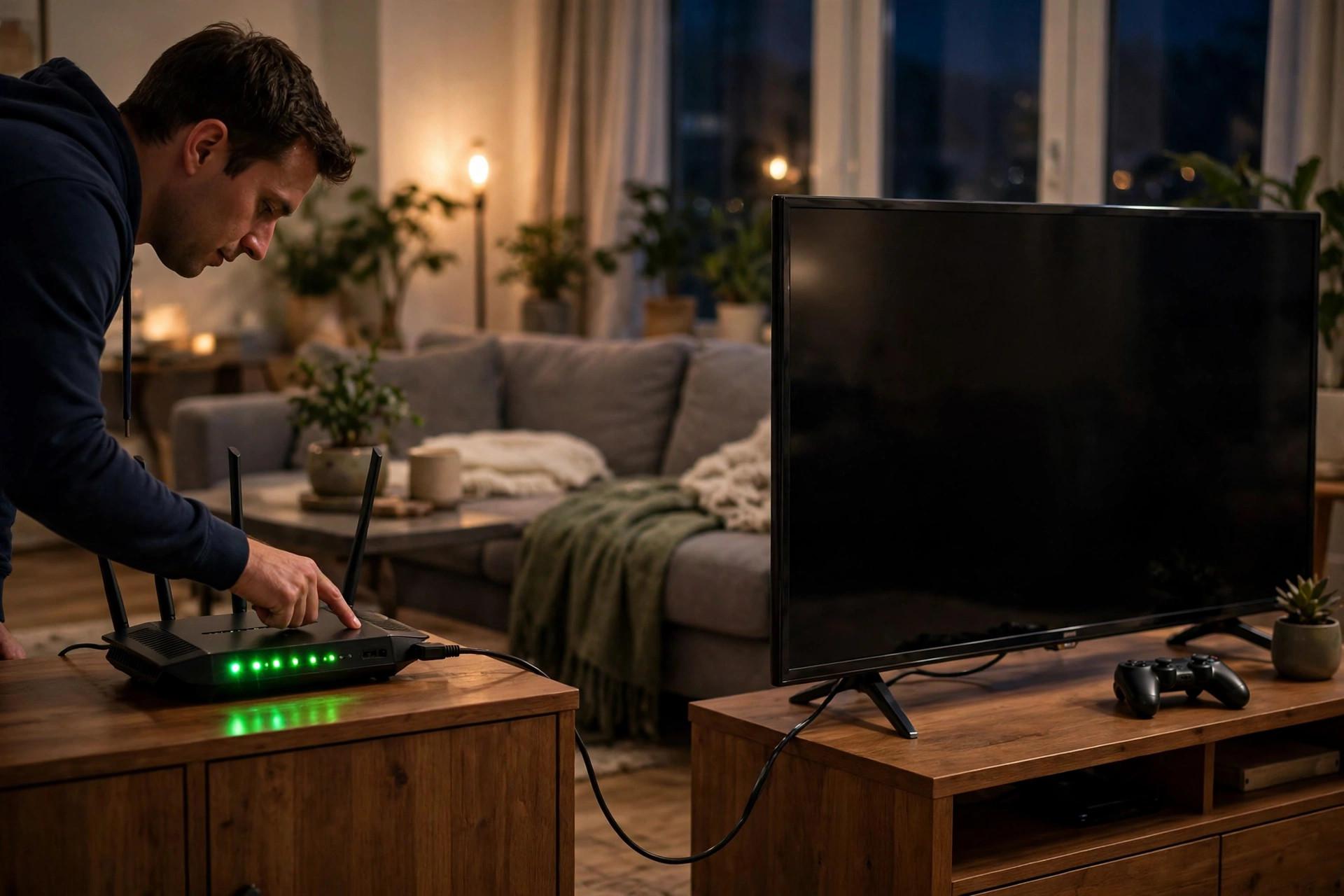
The setup guides are linked from step three: the Firestick guide for the lounge TV, the TiviMate guide for Android TV and Shield, the Smarters guide for phones, and the Samsung and LG guide for those TVs. If any step stalls, support does a free remote install over WhatsApp — send the MAC address or a photo of the screen and they finish it for you. Do not spend the trial fighting the install; ask for help and spend the trial watching.
How to Use the 24 Hours Properly
The trial is short, so use it like a test, not like a holiday. Start it on a Friday afternoon, so the 24 hours cover a Friday night game and a Saturday of sport. Watch the channels you will actually watch: the AFL or NRL game on Fox Footy or Fox League, a movie in 4K after dinner, the news on Channel 9, and a Premier League match late on Saturday. Keep the scorecard from the pillar guide: the three channels you watched most, whether any of them buffered, how fast the channel changed, and how long support took to answer a question on WhatsApp. Five notes, and you have a verdict.
Test the things that break later. Open the EPG and check the guide matches what is on. Try the catch-up on a channel that supports it. Try the second screen — the phone or the bedroom TV — because the multi-device plans are only useful if the second screen works. And test at peak hour, not at midday: a service that is perfect at 2pm and frozen at 8pm is not a service you want for Origin night. The buffering fix guide has the pre-game routine if the picture stutters during the trial — fix the Wi-Fi first, then judge the service.
What the Trial Does Not Do
Two honest limits. First, 24 hours is enough to test the picture and the channels, but it is not enough to test the support over a month, or the EPG over a full week of fixtures. That is what the 7-day money-back guarantee is for: buy the monthly plan after the trial, and if the second week disappoints, the refund window covers it. Second, the trial is one per household — it is a test, not a rolling free service, and asking for a second trial the next day is not how it works. Use the 24 hours well and the decision makes itself.
After the Trial: Which Plan?
If the trial passes, the choice is the yearly plan. Premium at $99.99 for twelve months is $8.33 a month, and Basic at $59.99 is $4.99 a month — both are half the monthly price, and both are cheaper than a month of Kayo. If the trial was close but not perfect — a freeze or two on 4K, fine on Full HD — buy the monthly plan first and watch a full month before committing to the year. The full prices are in the price plans guide, and the subscription is activated on WhatsApp the same way as the trial.
The timing of the trial matters more than people think. Starting it on a Monday gives you a quiet week of television and no real test; starting it on a Friday afternoon gives you the Friday night game, the Saturday of sport and the Sunday fixtures, all inside the 24 hours. The trial is 24 hours from activation, not from the first time you open the app, so the activation time is the clock. Ask for the trial at 4pm on Friday, and it covers Friday night and Saturday. Ask for it at 9am on Saturday, and it covers Saturday and Sunday morning — which is also a good window, because the Saturday night Premier League game and the Sunday AFL games are both inside it. Either way, plan the window around the sport, not around the day you happen to message.
The other thing to test during the trial is the support, because the trial is the only time you can test it for free. Message support with a real question — ask how to set the favourites, or whether the catch-up works on Fox League — and time the reply. A good provider answers in minutes, in plain English, with a step that works. A bad one answers the next day, or not at all. That reply is the preview of the next twelve months: the picture is the product, but the support is the service, and the service is what you need at 9pm on Grand Final day. The price plans guide lists what happens after the trial, and the best IPTV Australia guide explains how to keep score during it.
Start the trial tonight, on the biggest game on. Twenty-four hours from now you will know more about this service than any article can tell you — and you will have paid nothing to find out.
How to run a proper 24-hour test: a checklist for the evening
A free trial is only useful if you test it properly, and most people waste theirs. They start the trial at 10am on a Tuesday, watch a movie at noon, and conclude the service works — which proves nothing, because a Tuesday at noon is the easiest hour of the week. The trial should start on a game night. Message support on WhatsApp in the afternoon, get the playlist details, set up the Firestick or the TV app before dinner, and watch the game that night. That is the test: live sport, peak hour, the biggest screen in the house. If it holds through the first quarter, it will hold through the season.
The setup itself takes about ten minutes. On a Firestick, install IBO Pro Player via Downloader (ask on WhatsApp for the current code), open the app, copy the MAC address and the key from the screen, and send both to support. On a Samsung or LG TV, install IBO Player from the TV's store and do the same. On a phone, install IPTV Smarters Pro from the app store and log in with the Xtream Codes details. The playlist activates within minutes, the channels load, and the EPG fills in over the next few minutes. The Firestick setup guide has the steps in order, and the TiviMate guide covers the other app.
What to test first: your team, your movie, your kid's show
Test the channels the household actually watches, in order. First, your team's game, live, in 4K if the TV supports it — Fox Footy for the AFL, Fox League for the NRL, Fox Cricket for the Tests, Optus Sport for the Premier League. Second, the free-to-air channels at 6pm: Channel 7, Channel 9, Channel 10, ABC and SBS, with the news and the evening shows. Third, a movie from the on-demand library — a new release, not an old favourite — to test the VOD. Fourth, the kids' channels in the morning, because the kids' shows are the ones that get watched every day and the ones that cause the most complaints when they freeze. Fifth, a channel from overseas if the household watches one — the Indian, Filipino or British feed — because the international channels are the ones that separate a deep playlist from a shallow one.
While you test, keep a small note of what you watched and how it behaved. The channel, the time, the picture, the sound. It sounds fussy, and it takes thirty seconds, but it turns the decision at the end of the trial from a feeling into a list. If Fox Footy held in 4K at 8pm on Friday, the news was clean at 6pm, the movie played without a freeze, and the kids' show worked in the morning, the service has passed. If two of those failed, say so to support on WhatsApp before the trial ends — they can move the playlist, check the feed, or tell you the fix. The price plans are the next step once the test has passed.
After the trial: what happens, no card, no lock-in
The trial asks for no card, and that is the point. There is nothing to cancel, no subscription to forget about, and no charge that appears a month later. When the 24 hours end, the playlist stops, and the decision is yours. If you want to continue, message support on WhatsApp, pick a plan — Basic from $14.99 a month or Premium from $19.99, with the yearly plans at $59.99 and $99.99 — and pay for the plan you chose. The same playlist details keep working, and there is no second setup. If you do not want to continue, do nothing, and the trial simply ends.
The money-back guarantee sits behind the paid plans as well: 7 days on the monthly and shorter plans, 30 days on the yearly plans. That window is the real safety net, because a day of testing proves the picture and a week of normal viewing proves the service. Watch the second game night inside the guarantee window, test the channels again at peak hour, and if anything is wrong, message support. A trial plus a guarantee means the household never pays for a service it has not already watched working on its own TV, on its own night, with its own team playing.
- Start the trial on a game night, not a Tuesday at noon.
- Set up before dinner: Firestick, TV app or phone, ten minutes.
- Test in order: your team live, the 6pm news, a new-release movie, the kids' show, one overseas channel.
- Keep a thirty-second note: channel, time, picture, sound.
- No card is taken, so nothing needs cancelling if you walk away.
A final tip for the trial: test the support as well as the streams. Message support on WhatsApp during the trial with a real question — the EPG time, a channel that looks wrong, the second device login — and see how fast and how clearly they answer. The trial is not just a test of the picture; it is a test of the people behind it, because the night you need support is the night of the Grand Final, when the stream matters most and the patience matters least. A support team that answers in minutes during a trial is a team that will answer during the season. A team that takes hours to reply to a trial message will take longer when you are a paying customer.